


Add User in myAvendoo
If you would like to set up access to myAvendoo for additional individuals in charge of your Avendoo Learning World, you can create an account for these persons as a main contact partner. In this guide, we will show you how to proceed.
1
Go to my.avendoo.de and log in.
2
Click on your profile picture or your name and select User management.
3
Select Add user and fill in the mandatory fields User name (e-mail), First name, and Last name. Users without additional permissions have access to the Changelog, the Roadmap, and the Avendoo Events, among other things.
Optionally assign the following permissions:
- Is Main Contact Partner and Can Manage User Permissions: Can manage users in myAvendoo.
- View Development: Enables viewing of current development tickets for your organization.
- View Service: Enables the creation of service requests as well as viewing of own requests.
- View All Service Requests: Additionally enables viewing of all service requests for your organization (requires the “View Service” permission).
4
Select Create account.
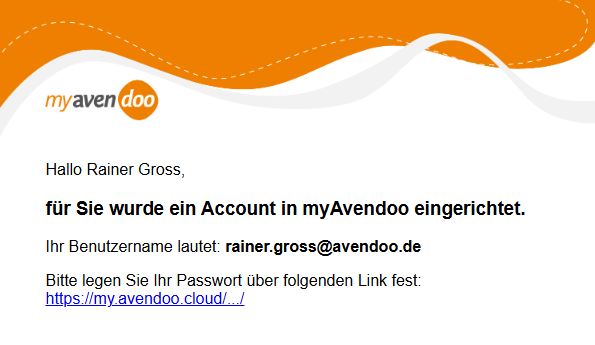
The user will then receive an e-mail with the information that an account for myAvendoo has been set up. Via the included link, they can set a password.
Requirements
User account in myAvendoo with the permission Is Main Contact Partner and Can Manage User Permissions
Was this article helpful?
Thank you for your feedback!