


Activate myAvendoo Account
Before you can use the myAvendoo customer portal, you must first authenticate yourself as an Avendoo customer. This guide explains how to proceed.
1
2
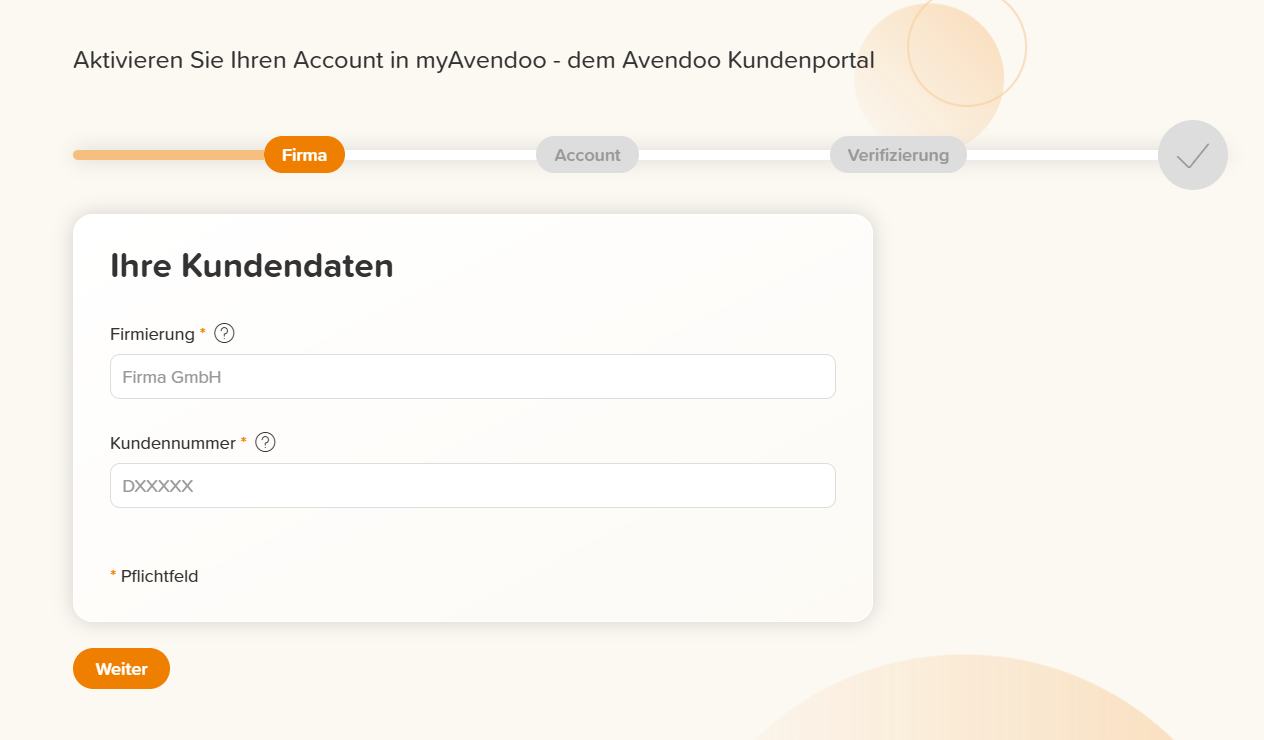
Enter your customer data.
To register in myAvendoo, you must provide your complete company name and your Avendoo customer number (DXXXXX).
Then click Continue.
3
Enter your E-mail address, which will be used as your user name after activation. Set a secure Password, enter your First name and Last name, and confirm the Privacy policy.
Then click Continue.
4
Verify your E-mail address by entering a code that will be automatically sent to you via E-mail.
Then click Close registration.
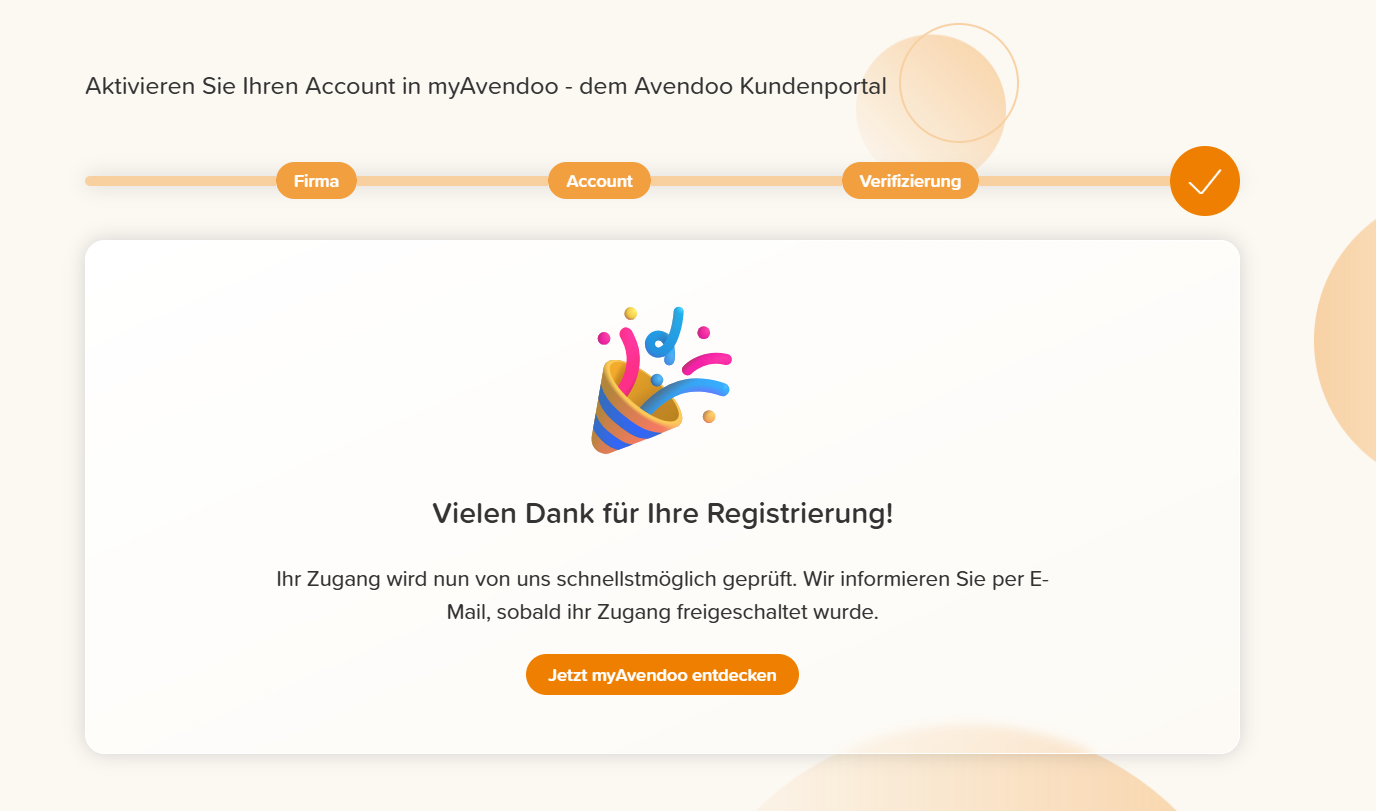
Your myAvendoo account is now set up and immediately available to you with limited functions. We will check your account in the meantime. You will be informed as soon as your account has been fully activated.
Prerequisites
You are known to us as the main contact partner for your organization’s Avendoo Learning World.