


Number ranges
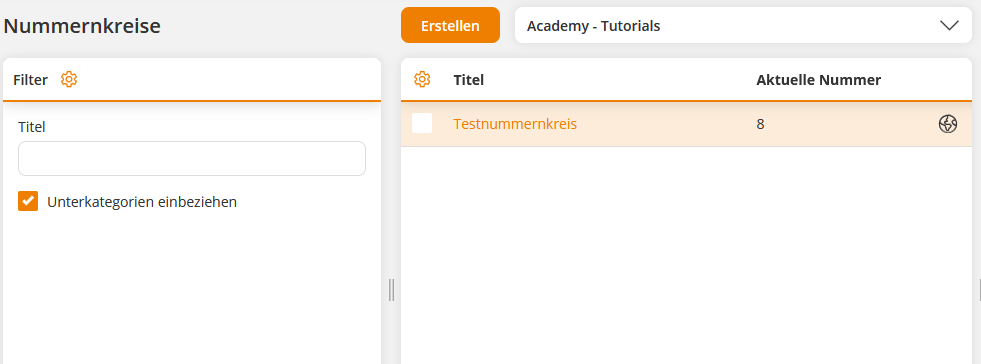
With the help of number ranges, certifications can be numbered. In the overview, you can see the existing number ranges of the selected client and identify which sequential number was assigned most recently.
Learn here how to create a new number range.
1
Go to Resources → Number ranges and click Create. The number range wizard opens.
2
Assign a title for the number range.
3
Switch to the Settings tab and define the start number. The starting number consists of a number and initially corresponds to the current number. Also specify the minimum and maximum number of characters for the number range.
Example
Start number: 0
Minimum digits: 2
Maximum digits: 5
This means the number range starts with 2 digits at 01 and ends with 5 digits at 99999.
4
Click Save.
The number range can now be integrated into certificates and output using the variable $serialnumber$.
Prerequisites:
Author account with the permission Number ranges: Edit, create.
Was this article helpful?
Thank you for your feedback!