


Point accounts
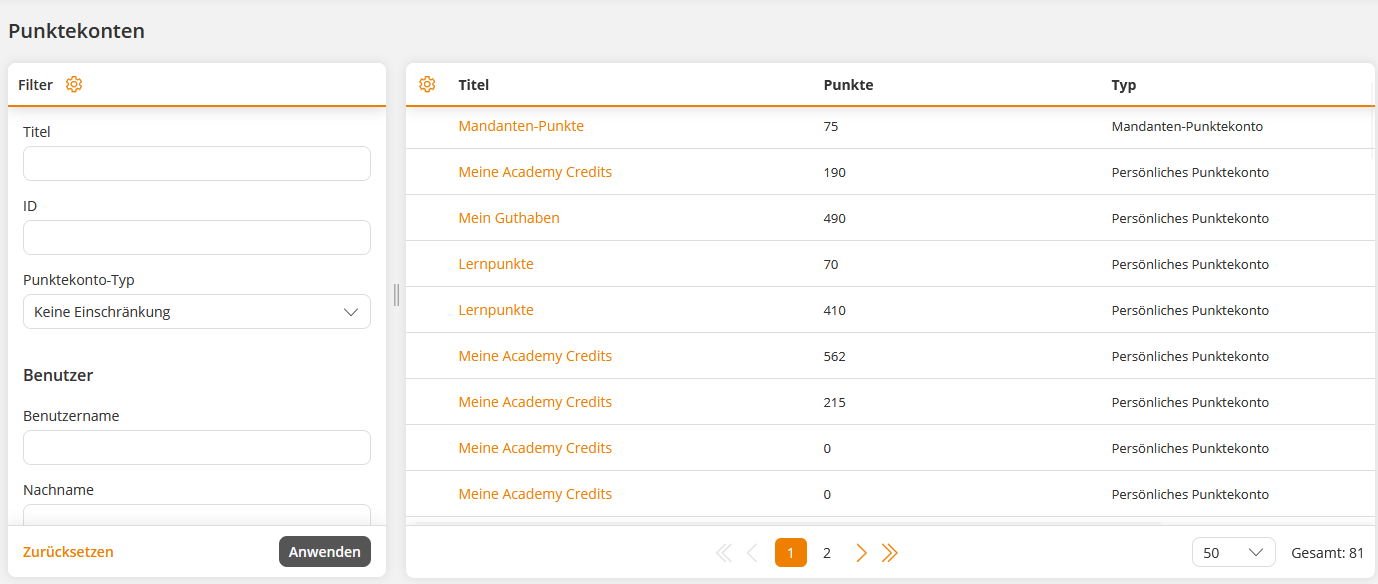
Point accounts are used to manage points that users can earn or lose through specific actions. Under the menu item Point accounts, you can see all created points accounts. Point accounts are created by setting them up as a gamification element. In the case of personal point accounts, they only appear in the list when the trigger linked to the course activation occurs is triggered for a specific user.
Learn here how to access point accounts in Avendoo and how to make a manual points transaction.
1
In the backend, go to Gamification → Point accounts.
2
Click on the title of the desired point account. You can identify whose account it is in the table column Owner.
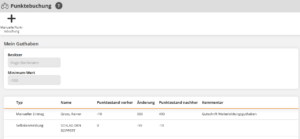
The Points transaction wizard opens. Here you can review the history of automatic and manual point transactions for the selected account. Each transaction is recorded in a separate row.
3
Click on the button Manual points transaction.
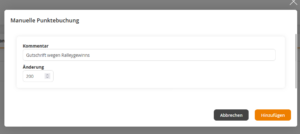
The Manual points transaction dialog window opens. Enter a change in points and a comment.
Note: For point deductions, you must place a minus sign before the point deduction.
4
Click on the Add button.
The Manual points transaction dialog window closes and the new table entry is displayed.
Prerequisites:
Author account with the permission Point accounts: Change, create.
Note:
Once added, manual transactions cannot be reversed. You should then add a corresponding counter-transaction.