


Gamification elements
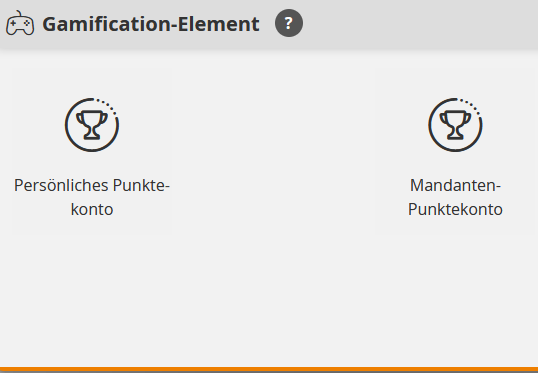
In the Gamification elements area, authors can create point accounts. Technically, there are two types of point accounts in Avendoo: With the personal point account, the points are assigned to a single user and are only visible to that user. The client point account, on the other hand, applies to all users of the client.
Learn here how to create a point account in Avendoo.
1
To create a new gamification element, select Gamification → Gamification elements → Create. The wizard opens.
2
Select personal point account or client point account.
3
Enter a title and a teaser. If you wish, you can define a minimum value (e.g., 0 or -100 points) down to which points can be deducted.
4
Save.
You can now link the personal point account to a course activation and define on the course activation what the trigger and the amount of the points posting should be. After a user has processed the course activation and triggers the trigger, their personal point account is created and it appears in the Point accounts overview. Client point accounts appear in this overview immediately after saving.
Prerequisites:
Author account with permission Gamification elements: Change, create.