


Edit participant rules
You can modify or change participant rules any time. When a participant rule is changed, it applies to all the participants that have been enrolled due to this rule.
To change an existing participant rule, proceed as follows:
1
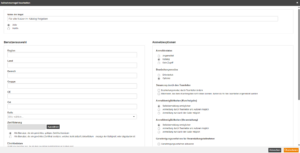
To adjust a participant rule that has already been created, click the desired participant rule in the list and then select Edit rule. The editing dialog opens.
2
Adjust the user selection and registration options.
3
Click the Apply button to apply the changes.
4
Clicking Save applies the changes to the rule.
Was this article helpful?
Thank you for your feedback!