


Install Add-on
Add-ons extend Avendoo with additional functions and allow the platform to be adapted to individual requirements. This guide explains how to install and, if necessary, configure an add-on in your Learning World.
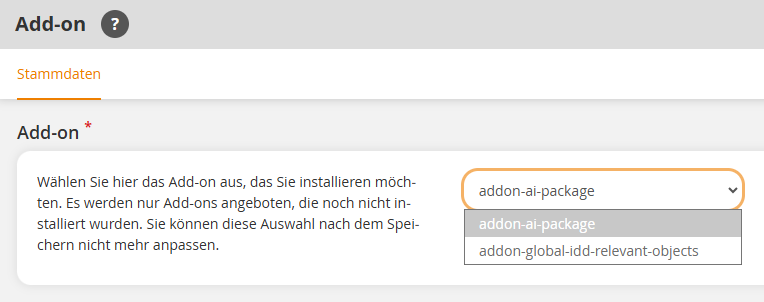
1
Using your author account, go to Administration → Add-ons and click Create. The add-on wizard opens.
2
In the list, select the desired add-on, activate it, and click Save.
If the desired add-on is not available for selection, it has not yet been enabled for your Learning World. In this case, please contact your Avendoo Contact partner.
The add-on is now installed and is available in the add-on overview. Depending on the specific add-on, further configuration steps may be required.
Prereqisites
- Author account with the Add-ons: Change, create permission
- The desired add-on has been enabled for your Learning World
Was this article helpful?
Thank you for your feedback!