


Notifications
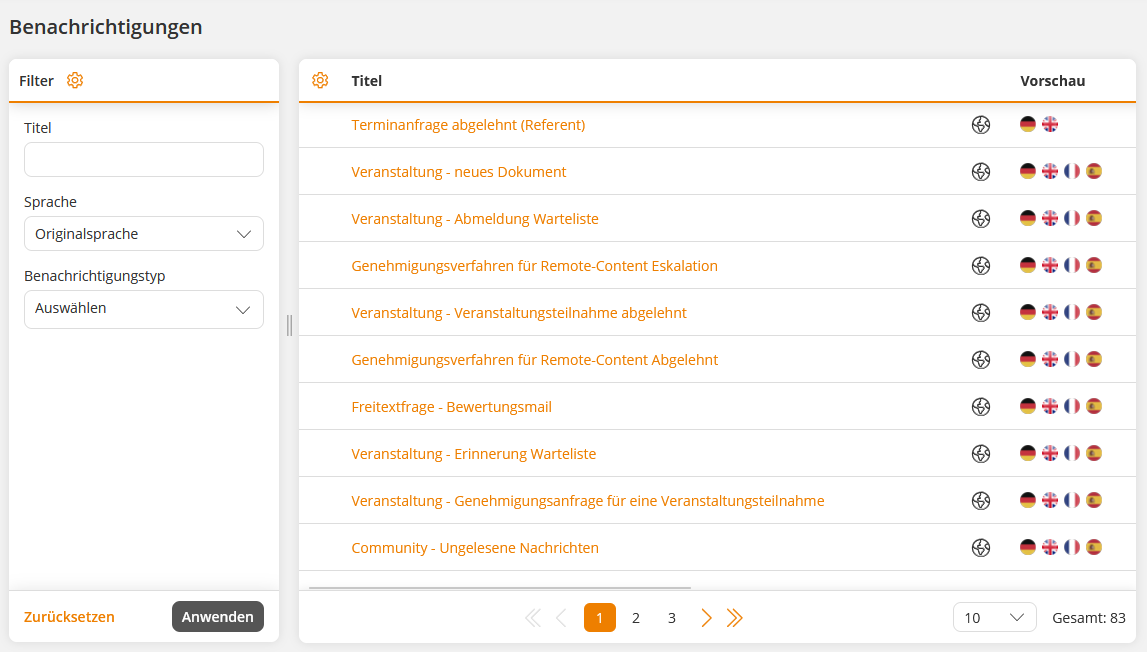
Notifications in Avendoo serve to inform users about important events and changes in the system. They can be sent via various communication channels – e.g., via email or as a community message.
Avendoo provides system-wide standard texts for each message type, which can be adapted by the author. Furthermore, your own variants can be created using individual notifications, which can be specifically used for certain scenarios.
E-mail parameters
The following settings can be configured for e-mail notifications and individual e-mail notifications.
Subject of the e-mail
Enter a subject for the e-mail. This can also include variables that are available for the selected notification type.
Example: Confirmation of registration for the event: $SeminarTitle$
E-mail subject – prefix for copy
Enter a prefix to be inserted before the subject of an e-mail sent as a copy. This is the case, for example, when a superior receives a copy of an employee’s e-mail.
Example: Copy
Content of the e-mail
Compose an e-mail using the text editor. The text can include variables and conditions.
You can send a test e-mail of the notification via the Send test e-mail button. The test e-mail is sent to the author who triggers the delivery.
E-mail copy information
This text is inserted as information before the copy of the notification. The text is replaced in the email template with the variable $mailSkeletonHtmlBodyCopyInfoReplacement$ if it is a copy.
Example: This message was sent to the original recipient “$OriginalRecipientName$ ($OriginalRecipientEmail$)”.
Email template
Specify which e-mail design should be used for this notification. If no separate template is selected, Avendoo uses the setting of the recipient’s client. If no design specifications are stored there, the system-wide standard template is used automatically.
iCal
If the e-mail should contain a calendar file (iCal), activate this option.
Then select whether the date should be sent as a meeting request or as an iCal file attachment. Meeting requests can be accepted or rejected directly, while iCal file attachments must be imported manually.
Reminder
Optionally, you can activate a reminder for notifications with a calendar file (iCal). This will add an additional reminder time to the calendar entry before the date.
For example, participants can be automatically reminded via the calendar entry in Outlook one hour before the beginning of an event that the date is approaching.
Please note that this function is not supported by all calendar applications.
iCal text
Specify whether the content of the e-mail should also be used for the iCal entry or whether you want to store your own text.
Community parameters
The following settings can be configured for community messages in notifications and individual notifications.
Title of the community message
Enter a title for the community message. This can also include variables that are available for the selected notification type.
Example: Approval for the learning unit “$CourseTitle$” required
Content of the community message
Compose the e-mail in the text editor. You can insert variables into the text using the Insert variables button, which are automatically filled with the corresponding information when sent.
Send also as a push message
Sends the notification also as a push message. The function is currently only available for notifications in the Avendoo Messenger. For other notification types, the option currently has no effect.
Add-on parameters
Add-ons
Via Add-ons, information can be transmitted via further channels, such as a connected app, in addition to e-mails and community notifications. This allows users to be informed promptly about relevant events and news outside of e-mails.