


Change user
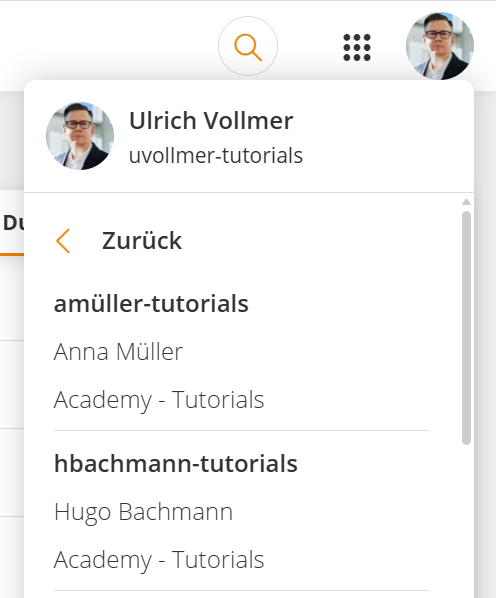
If you would like to switch between different users, you can easily use the Change user function. This is the case, for example, if you would like to switch from the frontend, i.e., the learner view, to the backend, i.e., the interface for content creation. The prerequisite is that additional users or authors are assigned to your account. To change into a different account, click your profile picture and select Change user. You will then see a list of all linked accounts. Select the desired account—and the switch will take place immediately.
Was this article helpful?
Thank you for your feedback!