


Deleted Users
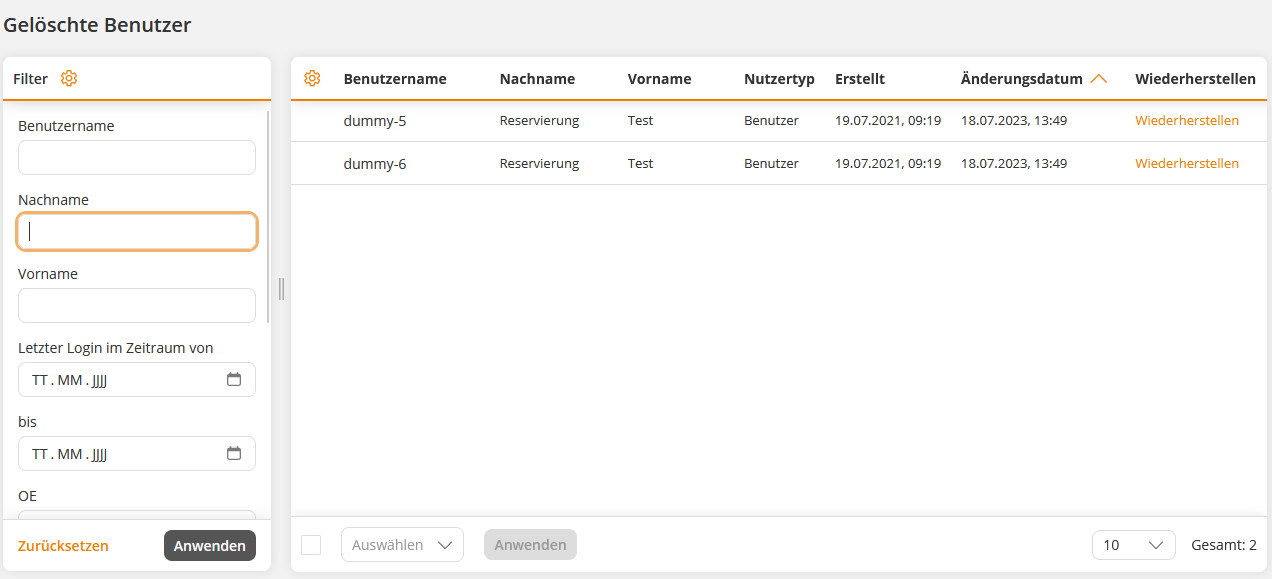
Under Deleted Users, you can see the user accounts that have been marked as deleted by authors or via an interface.
You can restore these by clicking the Restore command in the user’s row. You will be taken to the user wizard, where you can check all data and confirm the restoration by clicking Save.
Alternatively, you can permanently delete users by checking the box in the user’s row and selecting the Delete option from the drop-down menu. Confirm the deletion in the dialog box.
Error message
If you receive the error message “The user has information that cannot be deleted and therefore cannot be permanently deleted,” there are still training suggestions, bookings, or reported training needs associated with that user. Once these have been deleted, the user can also be permanently deleted.
Prerequisite
Author account with the permission: Edit, create and Delete.
Was this article helpful?
Thank you for your feedback!