


Contacts
You can assign a contact person for a location or a room at an event. Since this person does not necessarily have to be an Avendoo user, you can alternatively create a contact. Learn how to create a contact in Avendoo here.
1
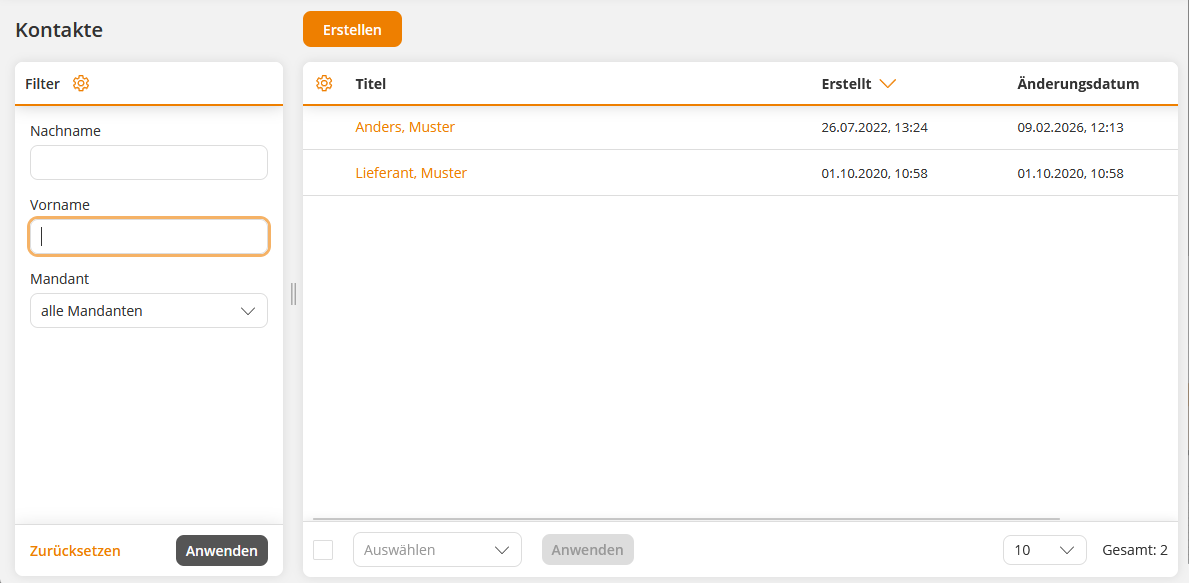
Go to User management → Contacts → Create. The Contacts wizard opens.
2
Enter the salutation and name of the contact person and select the content client on which the contact should be created. Enter a phone number and an email address. All other information (address, etc.) can be optionally provided.
3
Save.
Prerequisites:
Author account with the permission Contacts: Change, create.
Was this article helpful?
Thank you for your feedback!