


Slider feedback question
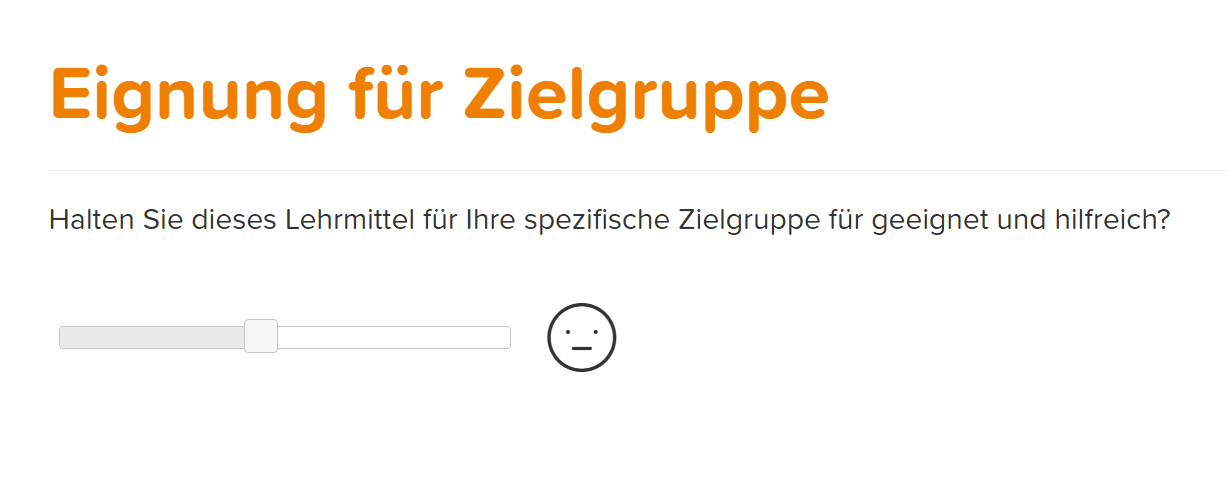
The Slider feedback question is an interactive question type in Avendoo, where the user can express their opinion or preference between two possible answers using a slider. It is particularly useful for capturing tendencies or gradations between two options.
1
Go to Learning content → Feedback questions and click Create.
2
In the Feedback question wizard, select the Slider feedback question. Assign a title.
3
Under the Question editor tab, you can select an empty page or a design template for your feedback question. Design your question here.
4
Under the Answers tab, configure the possible answers for the Slider question. Specify whether the No answer option and a Comment on the question are allowed. Also, determine the number of steps for the slider – three to ten steps are possible – and select the desired Symbol for the slider.
5
Save the completed question.
Prerequisites
Author account with the permission Learning content: Change, Create Feedback questions
Was this article helpful?
Thank you for your feedback!