


Short-essay feedback question
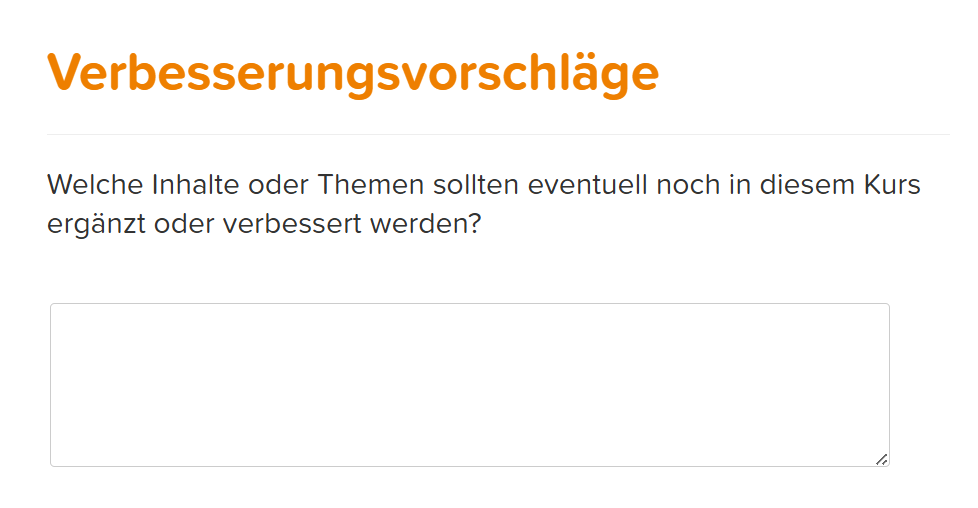
The short-essay feedback question is a question type in Avendoo that allows learners to freely formulate their answer. Since no possible answers are provided, it is particularly suitable for individual feedback, opinions and suggestions. The answers are assessed manually.
1
Go to Learning content → Feedback questions and click Create.
2
In the Feedback question wizard, select the Short-essay feedback question. Assign a title.
3
Under the Question editor tab, you can select an empty page or a design template for your feedback question. Design your question here.
4
Under the Answers tab, you can specify whether answering the question should be optional.
5
Save the completed question.
Prerequisites
Author account with the permission Learning content: Change, Create Feedback questions
Was this article helpful?
Thank you for your feedback!