


Download Attendance List
You can manually download the attendance list from the event manager at any time. Learn how here.
1
Go to Event management → Overview of event date or Overview by event date group and click the Event title to open the Event Manager for a date.
2
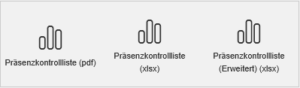
Go to the Attendance List tab. Depending on the format you want, select one of the buttons for the attendance checklist. You can download the attendance list as a PDF, XLSX, or extended XLSX file.
3
In the background, the current attendance list is downloaded via your browser to your device in the selected file format. You can open the file as usual.
Prerequisites
Author account with access to an activation client and the following author permissions:
- Access to the Event Manager
- All or Own event dates: Show event dates
- All or Own event dates: Record attendances
Was this article helpful?
Thank you for your feedback!