


Participant management for Remote content activations
The participant management for Remote content activations allows for simple and targeted management of users for remote content. This includes functions such as the manual registration and deregistration of users, as well as adding participant rules for the automatic control of access to remote content. You can access participant management by clicking on the participant management symbol in the list view of the Remote content activations.
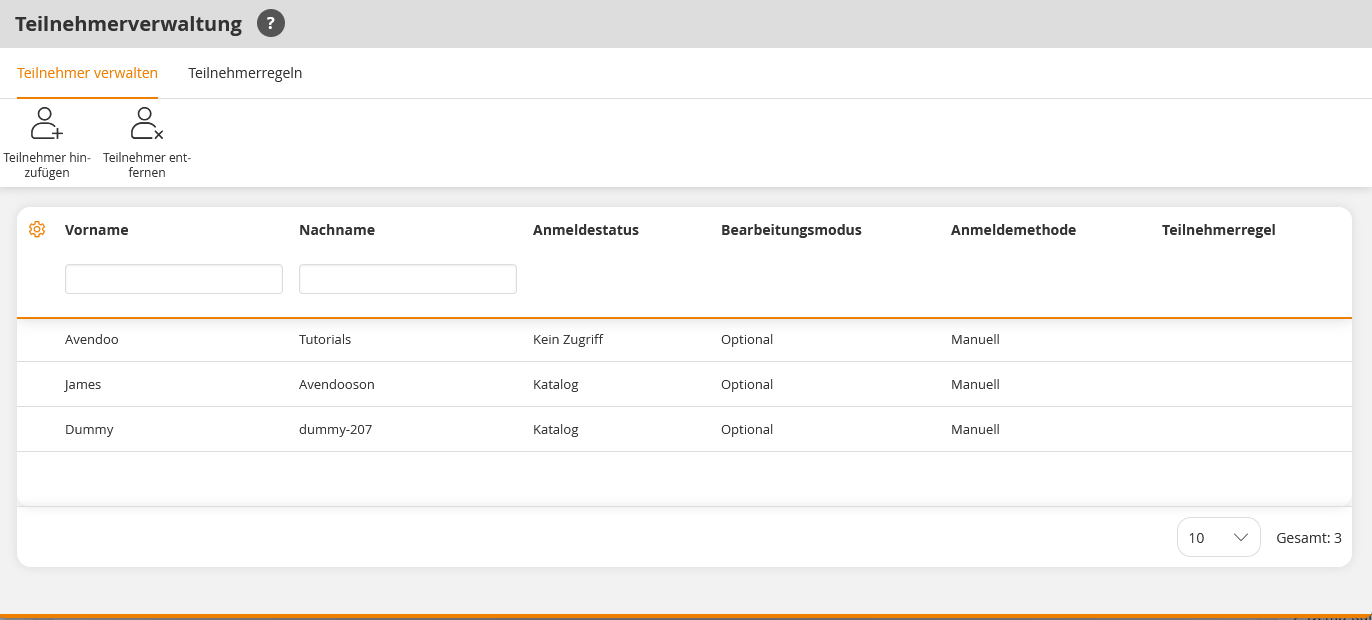
In the list view of the participant management for remote content activations, you can see the registered users. You can see which users were registered manually or via participant rules and what registration status (e.g., Catalog, Registered) they have. Here, you can manually register or deregister users and create participant rules for remote content activations. To do so, please refer to one of the instructions below.
Prerequisites
Author account with the permission Remote content activations: Manage participants.
Was this article helpful?
Thank you for your feedback!