


Employees
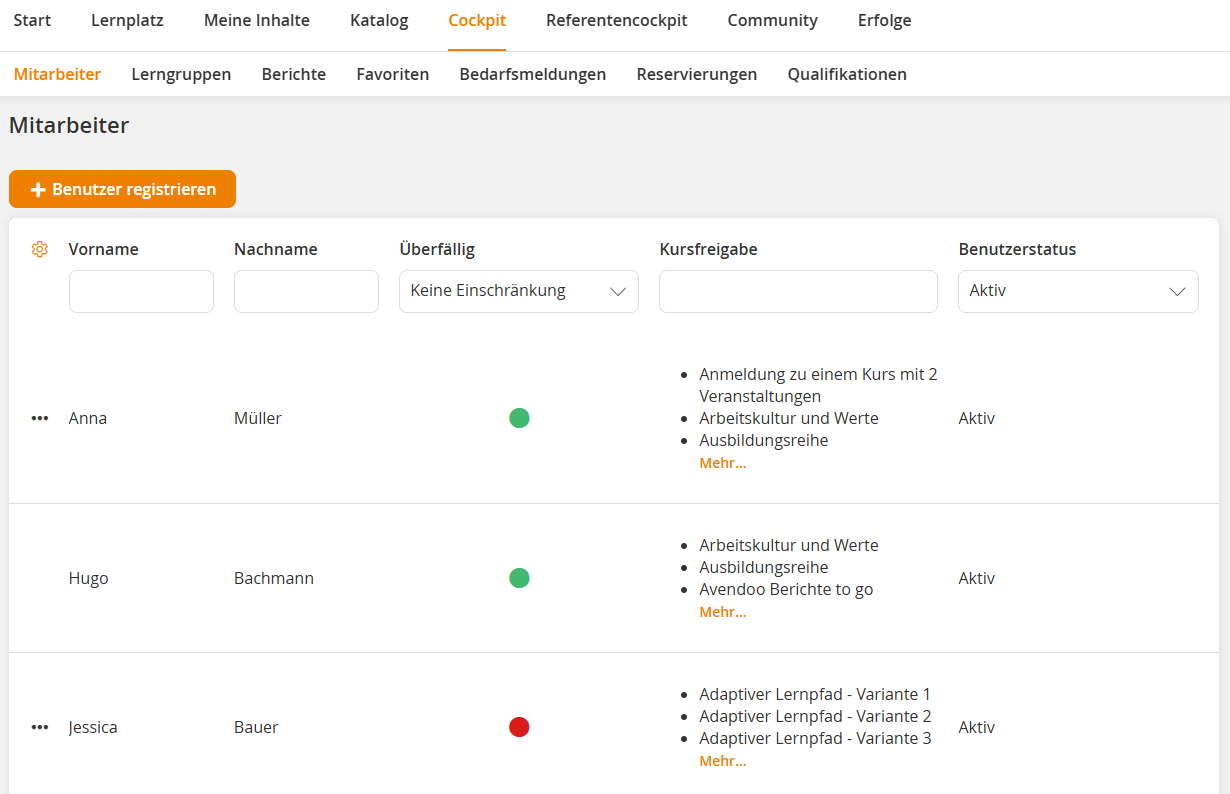
The Employees menu item in the Team Leader Cockpit provides a central overview and management option for all users assigned to your team or organizational unit (OU). Here you will find detailed information such as username, first and last name, email address, OU, user status, and course activations.
As a team leader, you can register and deregister employees for courses, training plans, or event dates, as well as view and track their achievements. Furthermore, you have the option to create new users.
Options
Prerequisite:
The employees tab is visible if you are a teamleader and have the permission manage course participants.
Was this article helpful?
Thank you for your feedback!