


Record your presence as a user
Participants of an event date can record their presence themselves in Avendoo, provided this has been set up by an Author. In this guide, we show how Recording attendance is carried out by the participant in the User area.
1
Log in as a User and go to the Learning place.
2
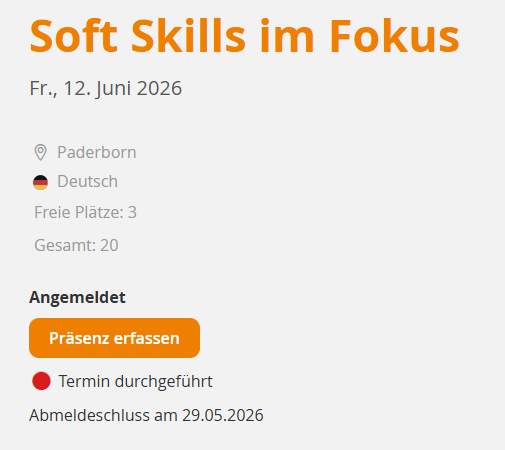
Open the Event for which you would like to record your presence yourself and, in the event date list, click Details. You will be taken to the Event details page.
3
Click the Record your attendance button. A dialog window will open.
4
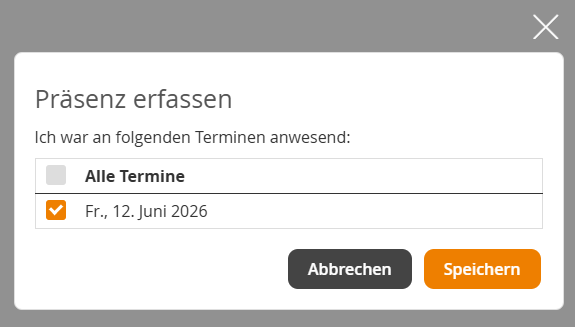
Select one or more dates for which you would like to record your attendance and then click Save. Your presence has been recorded successfully.
Prereqisites
- An Author has enabled self-recording of attendance in the Event date wizard.
Was this article helpful?
Thank you for your feedback!