


Adjusting the Gamification Level Structure (gamification.configuration)
This guide explains how to adjust the gamification level structure (e.g., level Boundaries, texts) in Avendoo.
1
Go to Administration → System Settings.
2
Open the system setting gamification.configuration by clicking on its title.
3
To define the point boundaries for each level, add additional levels, or set the user designation for a level, make adjustments in the configuration.
Level Boundaries and Quantity
The parameter level defines the level boundaries, i.e., the score required to advance to the next level. Change the values or the number of values.
level=25;50;100;250;500;1000;2000;5000;10000
For example, the first value corresponds to the score at which a user moves from Level 1 to Level 2 (25 points). All values must be separated by a semicolon.
Level Designations
The parameter title assigns the designation that the user should have in this level. Change the values to assign the designations.
title=1;1;1;2;2;2;3;3;3
The first value corresponds to the designation for Level 1, etc.
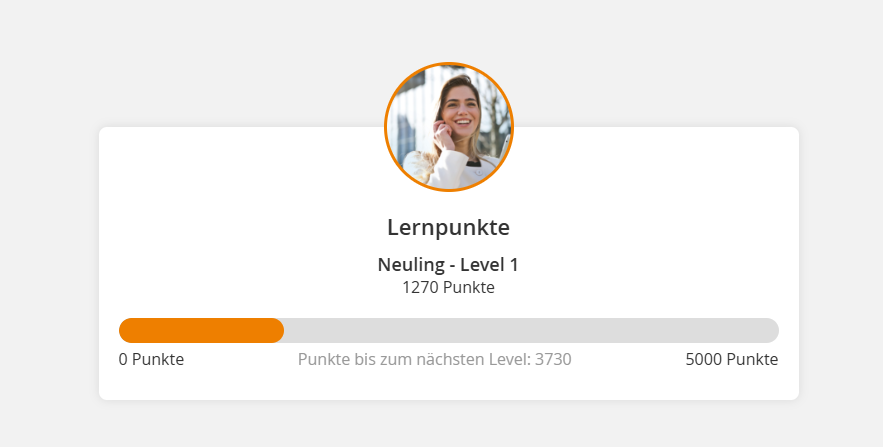
The default designations in Avendoo are:
- Level 1-3: Novice
- Level 4-6: Point Collector
- Level 7-9: Master of Points
Change Designations
The level designations can be changed in the system settings (bundle.xml) or in the settings of a client.
To do this, use the following bundle keys:
user.gamification.element.level.title.1=Neuling

user.gamification.element.level.title.2=Punktesammler

user.gamification.element.level.title.3=Meister der Punkte
Learn how to customize system texts in Avendoo in the corresponding guide.
To the Guide
4
Save the configuration and check the settings with a user account in the frontend.
Prerequisites
Author account with the permission System settings: Change, create