


Enable Beta Features in Avendoo
Authors with the appropriate permissions can decide for themselves which beta features they would like to activate in Avendoo. We explain how to do this in this guide. In software development, “beta” refers to a stage of development that is not yet fully complete.
1
Log in to the backend as an author.
2
Then click on your profile picture and select My Profile.
3
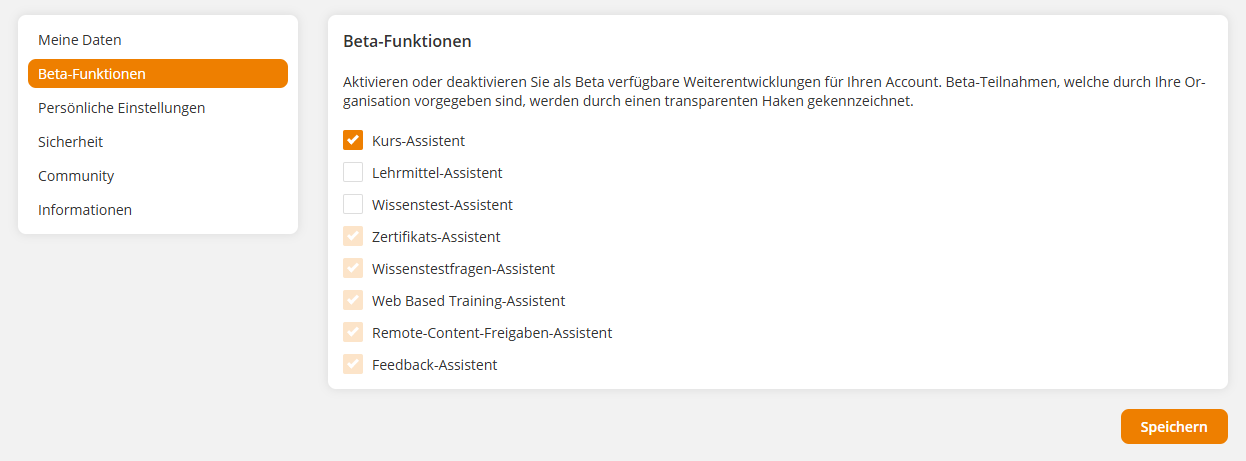
Go to the Beta Features menu item and activate the features you want to try out. Features that are already activated and cannot be deactivated have already been activated system-wide by an administrator.
4
Save the settings.
Prerequisite
Author account with permission General: Beta features
Was this article helpful?
Thank you for your feedback!