


Appoint a substitute
As a team leader, you can appoint a substitute who can access all the functions of your team leader cockpit. You can also appoint several substitute for specific periods. Learn how to do this here.
1
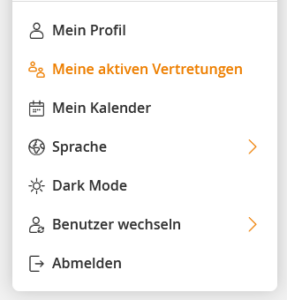
Click on your profile picture and select My Profile in the drop-down submenu.
2
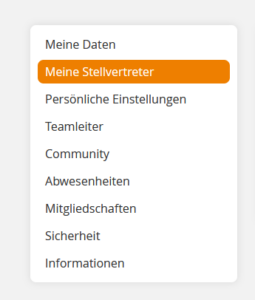
Your profile will open. In the left navigation bar, select the My substitutes menu item.
3
Click on the Add button, enter a period and click on Select employees.
4
Select the desired employee from the list of employees in your OU and click Save.
5
The selected substitute can now access your cockpit within the period of the substitution via their own profile and has all the access rights that you have.
Prerequisite:
As a team leader, you have the right appoint substitutes.
Was this article helpful?
Thank you for your feedback!