


Creating Self-Generated Streams for the Frontend
Streams are located on the Avendoo homepage and bundle a selection of course releases from the catalog. This allows you to highlight learning opportunities and topics for your target audience. In this guide, we will show you how to create a stream based on rating, popularity, or completely customized criteria.
1
Select User management → Clients.
2
Click on the title of the desired release client. The client wizard will open.
3
Select the Frontend configuration tab.
1
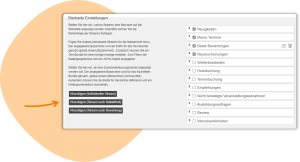
Scroll to the Start page – Settings section. You can choose between different default streams or create the following types of streams yourself:
Was this article helpful?
Thank you for your feedback!