


My profile in the backend
Under My Profile in the Avendoo backend, authors can make basic adjustments to their own profiles, such as adding a profile picture or changing their password.
Instructions
Important areas
My profile
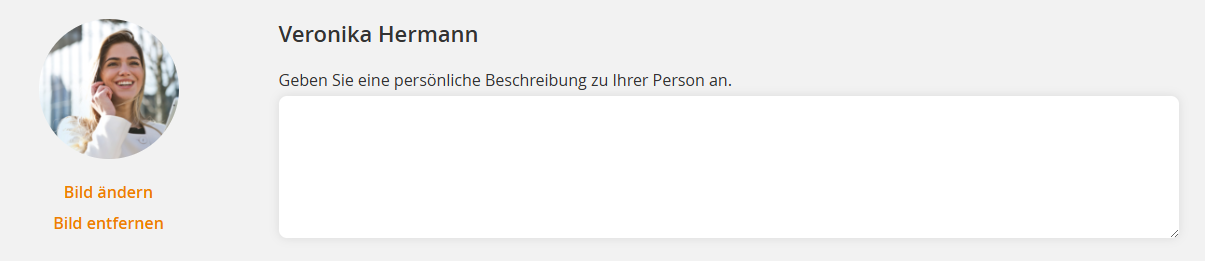
You can change or remove the profile picture in the profile. Please note that the picture must be square. You can also add a personal description of the user.
My data
View your personal data (e.g., first name, last name).
Which information can be edited is configured in the user profile.
Personal settings
In this section, you can reset all personal settings (e.g., filter and table settings, the author dashboard).
Security
On this tab you can change your password by entering the current password and then setting a new password.
Two-factor authentication can also be enabled. This requires an authenticator app.
Community
On this tab you can specify whether and after how many days you want to be notified by e-mail if there are unread messages in your community.
You can also hide your community groups from other users.
Information
On this tab you will find general product information about Avendoo (e.g. the current version).
Other areas
The following areas are available after appropriate configuration.
Beta-Features
Authors with the appropriate permissions can decide for themselves which beta features they want to activate in Avendoo. Beta features are new features in Avendoo that are not yet fully completed and can be tried out.