


Create wizard configuration
Would you like to individually configure Avendoo wizards? This guide shows you step by step how to create a wizard configuration.
1
Go to Administration and select Wizard configurations.
2
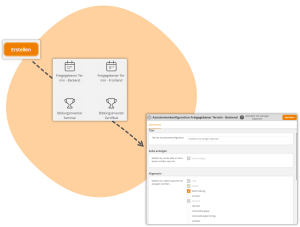
Click Create.
3
The Wizard configuration window opens. Here you can create a configuration. Select for which wizard you want to create a configuration.
4
For example, the Wizard configuration Activated event date wizard opens.
5
Under Wizard configuration master data, enter a title for the wizard configuration.
6
Under the remaining tabs, select which options should be visible.
7
Click Save.
Prerequisite
Author account with the permission Administration (Objects): Change, create wizard configurations
Was this article helpful?
Thank you for your feedback!