


Yes/no feedback question
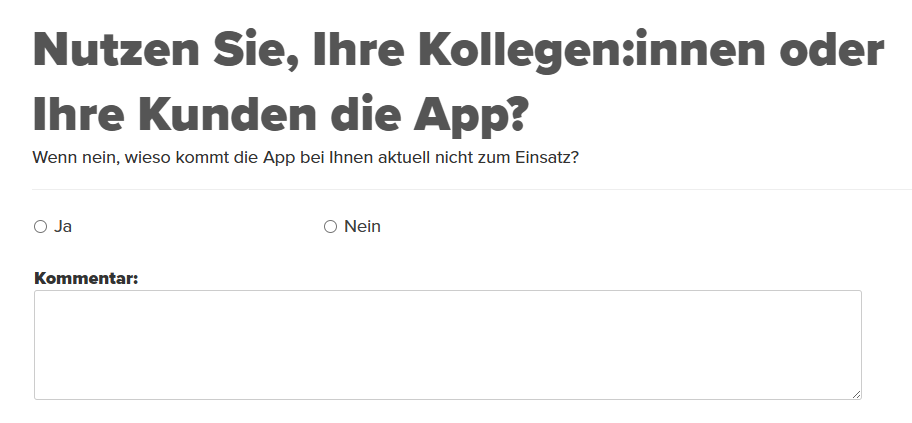
Yes/no feedback questions are closed questions with two fixed answer options. Learners can select one of the two options. This guide shows you how to quickly and systematically create a Yes/no feedback question.
1
Go to Learning content → Feedback questions and click on Create.
2
In the Feedback question wizard, select the Yes/no feedback question. Add a Title.
3
Under the Question Editor tab, you can select an empty page or a design template for your feedback question. Design your question here.
4
Under the Answers tab, you can specify whether it is allowed to select the No answer option or to allow a Comment on the question. Under Answers, enter the answer options that should be available for selection.
5
Save the completed question.
Prerequisite
Author account with permission Learning content: Change, Create Feedback questions
Was this article helpful?
Thank you for your feedback!