


Frontend qualifications
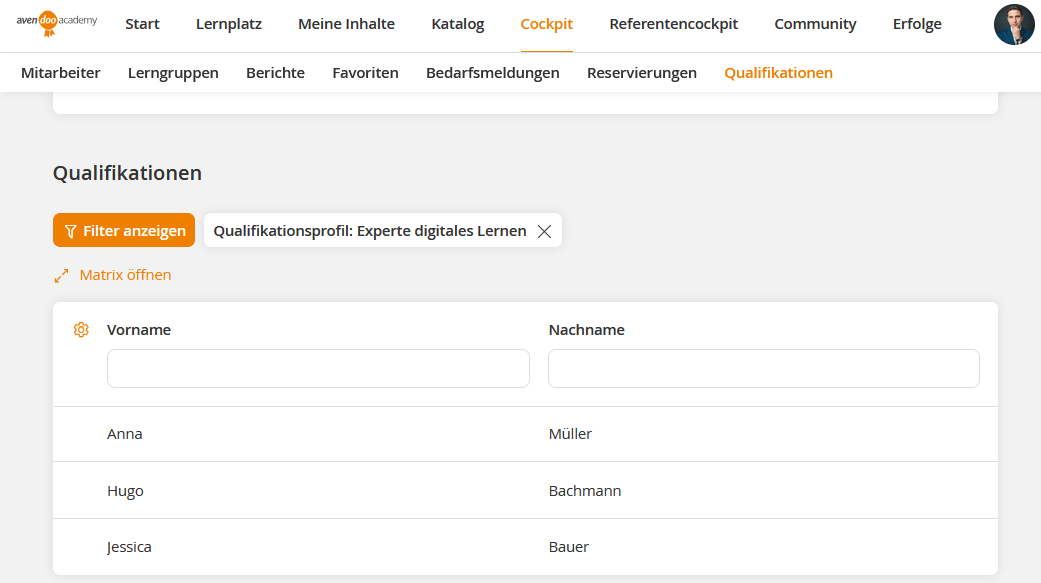
In the frontend, you will find an overview of all employees who have qualifications under Cockpit → Qualifications. You can use the filter bar on the left side of the screen to filter by Qualification profile, Qualification group and Qualifications, among other things.
In addition, you can open a qualification matrix by clicking the Open matrix button above the table. This shows the actual, target and valid values of the respective users in relation to the selected qualification.
Prerequisite
Team leader account with the permission: Qualifications in the cockpit
The matrix is only visible if the qualification profile filter has been set beforehand.
Was this article helpful?
Thank you for your feedback!